Your Content, Optimized. Your Brand, Elevated.
Which website builder should I use?
When it comes to choosing a website, there's a variety of options to consider. Learn which option is the most cost-effective for you.
10/11/20254 min read
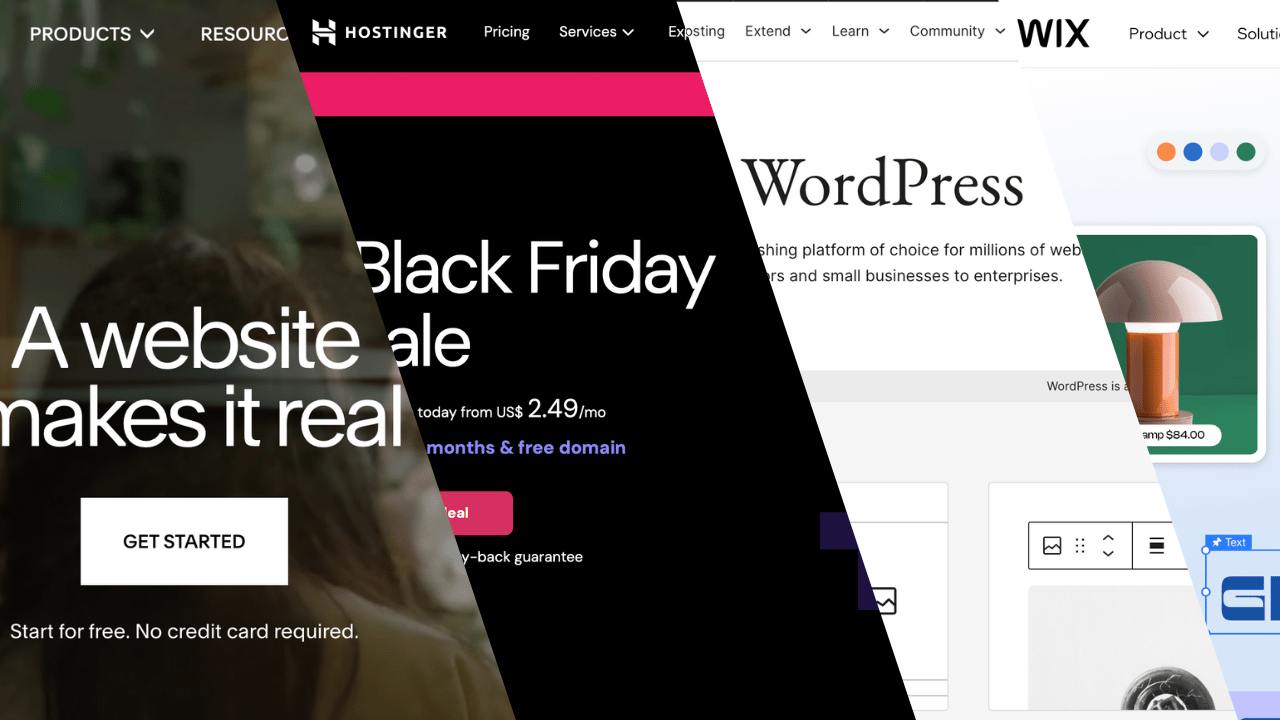
Why Hosting + WordPress Is Often Cheaper and More Flexible Than Wix or Squarespace
When building a website, you have two main options:
Using a website builder like Wix or Squarespace
Using a web hosting provider (like Hostinger) with WordPress.org
While website builders may seem easier, hosting + WordPress is often the cheaper and more flexible option, especially for long-term growth and customization.
Website Builders: Wix and Squarespace
Wix
Overview:
Wix is a user-friendly website builder known for its drag-and-drop interface, making it accessible for users without technical expertise.
Pros:
Ease of Use: Intuitive design tools suitable for beginners.
AI-Powered Design: Wix's AI can help generate a website based on your preferences. Wix Pricing
All-in-One Solution: Includes hosting, domain registration, and design tools.
Cons:
Limited Flexibility: Less customizable compared to WordPress.
Higher Long-Term Costs: Pricing plans range from $17 to $39/month, which can add up over time. Wix Pricing
Platform Lock-In: Difficult to migrate your site to another platform.
Ideal For:
Individuals or small businesses looking for a quick, easy-to-manage website without the need for extensive customization.
Pricing: $16–$35/month for premium plans
Pros:
Drag-and-drop simplicity
Templates and apps included
Good for small portfolios or personal websites
Cons:
Limited customization and scalability
Can get expensive with apps or e-commerce features
Harder to migrate if you want to switch platforms
Squarespace
Overview:
Squarespace is a website builder renowned for its sleek, professionally designed templates and ease of use.
Pros:
Stunning Templates: High-quality, mobile-responsive designs.
Integrated Features: Built-in e-commerce, blogging, and analytics tools. Squarespace Pricing
AI Design Assistance: Squarespace's Blueprint AI can help design your website based on your inputs. Blueprint AI
Cons:
Limited Customization: Less flexible than WordPress.
Higher Costs: Plans range from $16 to $99/month, which may be expensive for some users. Squarespace Pricing
Transaction Fees: E-commerce plans include transaction fees, which can add up. Squarespace Pricing
Ideal For:
Creative professionals and small businesses seeking a visually appealing website with integrated features and minimal setup.
Pricing: $18–$40/month for personal/pro plans
Pros:
Sleek, professional templates
Easy to use, minimal setup
Built-in e-commerce and blogging features
Cons:
Less flexible than WordPress for custom design
Monthly fees add up over time
Limited plugin ecosystem
Hosting + WordPress.org
WordPress with Hosting Platforms (e.g., Hostinger)
Overview:
WordPress is a powerful content management system (CMS) that, when paired with a reliable hosting provider like Hostinger, offers unparalleled flexibility and control over your website.
Pros:
Full Customization: Access to thousands of themes and plugins allows for a tailored design and functionality.
Scalability: Easily upgrade your site as your business grows.
Cost-Effective: Hosting plans start as low as $2.49/month, with the ability to create multiple websites under one account. Hostinger Pricing
Ownership: Complete control over your website's content and data.
Cons:
Learning Curve: Requires a basic understanding of website management.
Maintenance: Regular updates and backups are necessary to ensure security and performance.
Ideal For:
Businesses seeking a unique, scalable, and cost-effective website solution that reflects their brand's identity.
Hostinger (Example)
Pricing: Starting around $2–$10/month for hosting + domain (one-time or yearly)
Pros:
Full control over design and functionality
Highly customizable with themes and plugins
Scalable as your business grows
One-time purchases for premium themes/plugins instead of recurring fees
Cons:
Requires initial setup and maintenance (or outsourcing)
Slight learning curve compared to drag-and-drop builders
Other hosting options include (not familiar with):
Bluehost: A well-known provider offering shared hosting, WordPress-optimized plans, VPS and dedicated servers. Their shared plans start very affordably.
SiteGround: Strong support, WordPress features, and reliability — good for sites where uptime & service matter.
DreamHost: Simple, straightforward hosting with a focus on transparency and ease — suited for personal blogs or smaller projects.
GoDaddy: Very large domain registrar & hosting provider; easy entry-point if you already use them for domains.
Why Hosting + WordPress Is Cheaper in the Long Run
Hosting + WordPress is more cost-effective than monthly fees for builders, especially if you want premium features.
You own your website files, making it easier to migrate or expand.
Paid plugins/themes are usually one-time fees, unlike recurring subscription apps on Wix/Squarespace.
Great for high-end projects with customization, scalability, and professional branding.
Bonus Section: Free options for starters.
Bonus Section: Free Options for Starters
If you’re not ready to invest in a full website yet, there are free, beginner-friendly alternatives like Beacons and Linktree.
Both platforms let you create simple, one-page websites to share links, products, or contact information — perfect for connecting your social media presence to key content.
However, there are some important limitations and distinctions:
Search Visibility:
Linktree and Beacons pages can be indexed by Google, but they rarely rank in search results because they’re hosted on shared domains (e.g. linktr.ee/yourname) and not optimized for SEO like standalone websites.
They’re more suited for social media linking, not long-term website building or discoverability.
Selling Digital Products:
Beacons allows creators to sell digital products directly (like ebooks, guides, and digital art).
Fees: Beacons charges a 9% transaction fee on free plans.
With a Pro plan (about €10/month), the platform takes 0% per sale (aside from standard payment processor fees).
also offers email marketing
Linktree also supports digital product sales and tipping via integrations (e.g., PayPal, Square, Shopify), but it’s less robust than Beacons for e-commerce.
Use Case Recommendation:
Ideal for social-media-first creators, freelancers, or early-stage entrepreneurs.
Not a substitute for a custom website if you want SEO visibility, a blog, or full control.
For anyone serious about building a professional, scalable, and brand-aligned website, hosting + WordPress.org is often the smarter choice. While Wix and Squarespace are convenient, they come with higher long-term costs and limited flexibility.
By pairing a reliable host like Hostinger with WordPress.org, you get full control, cost efficiency, and freedom to design a website that truly reflects your brand.
Some of the links on this site are affiliate links, which means I may earn a small commission if you make a purchase through them — at no extra cost to you. These links help support my work and allow me to continue creating content. Thank you for your support!
Contact
Connect with me.
Privacy Policy
© 2025. All rights reserved.
contact@myseastudio.com
Returns Policy